Pitch nights, lightning talks, class presentations. negotimer runs every speaker’s talk and Q&A for you, and records each speaker separately. Nobody has to sit there watching a stopwatch.


Free to install · In-app purchase (Pro: one-time, no subscription)
Sound familiar?
The host keeps resetting a stopwatch between speakers
Early talks overrun, and the last speakers get rushed
Afterwards, nobody remembers who said what
What negotimer does
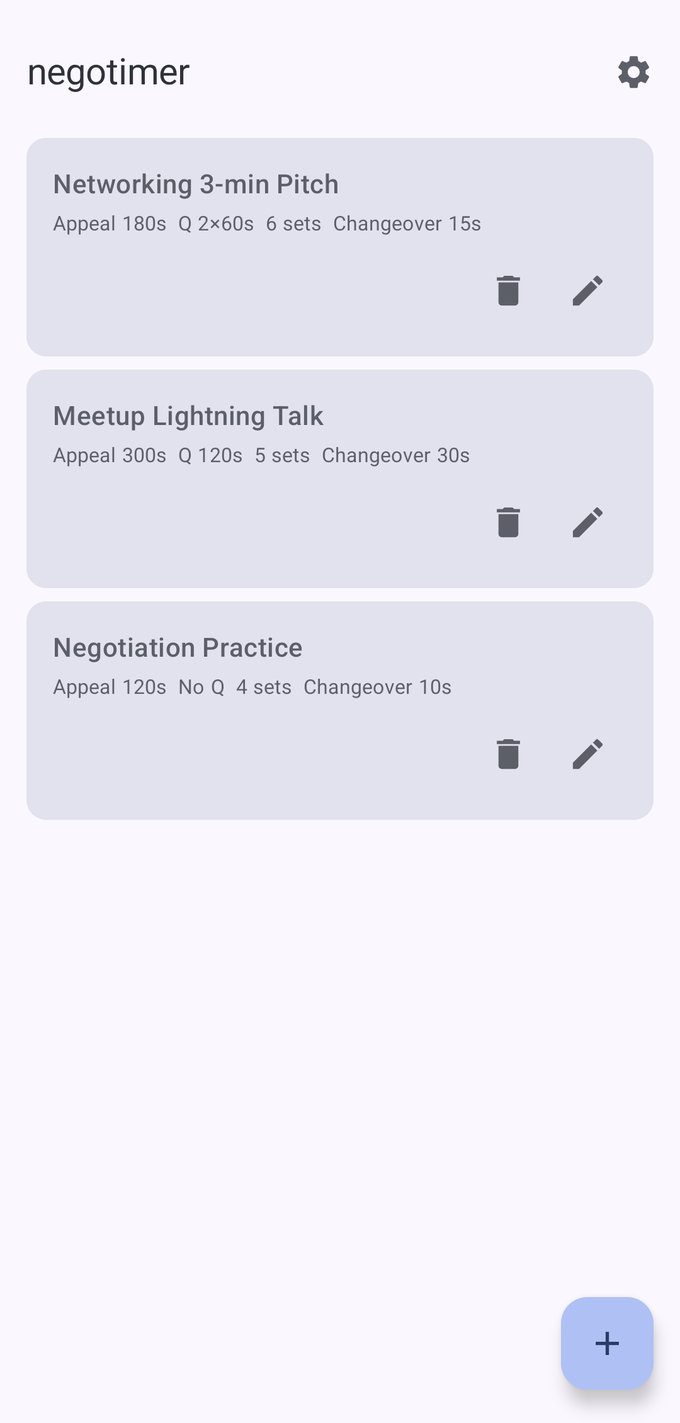
“Pitch Night”, “Meetup Lightning Talk”, “Class Presentations” — name and save as many as you like. On the day, just open one and go.
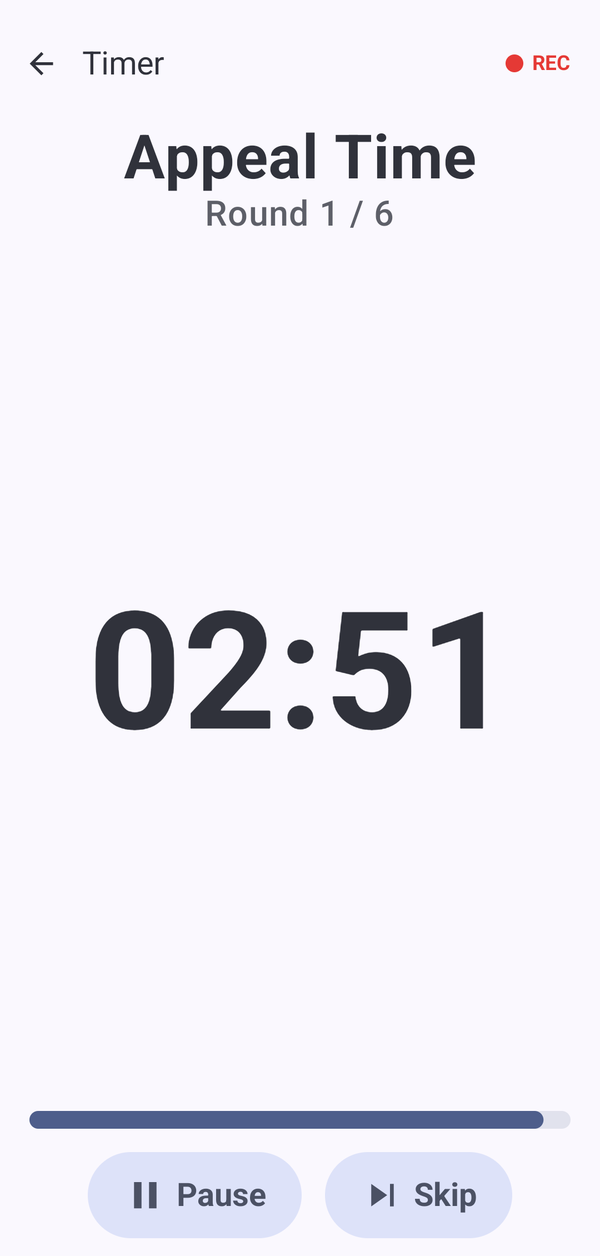
A beep at ten seconds left, a 3-2-1 countdown, an end alarm. The screen turns green with ten seconds to go and yellow for the last three, so speakers only need a glance to know it’s time to wrap up.
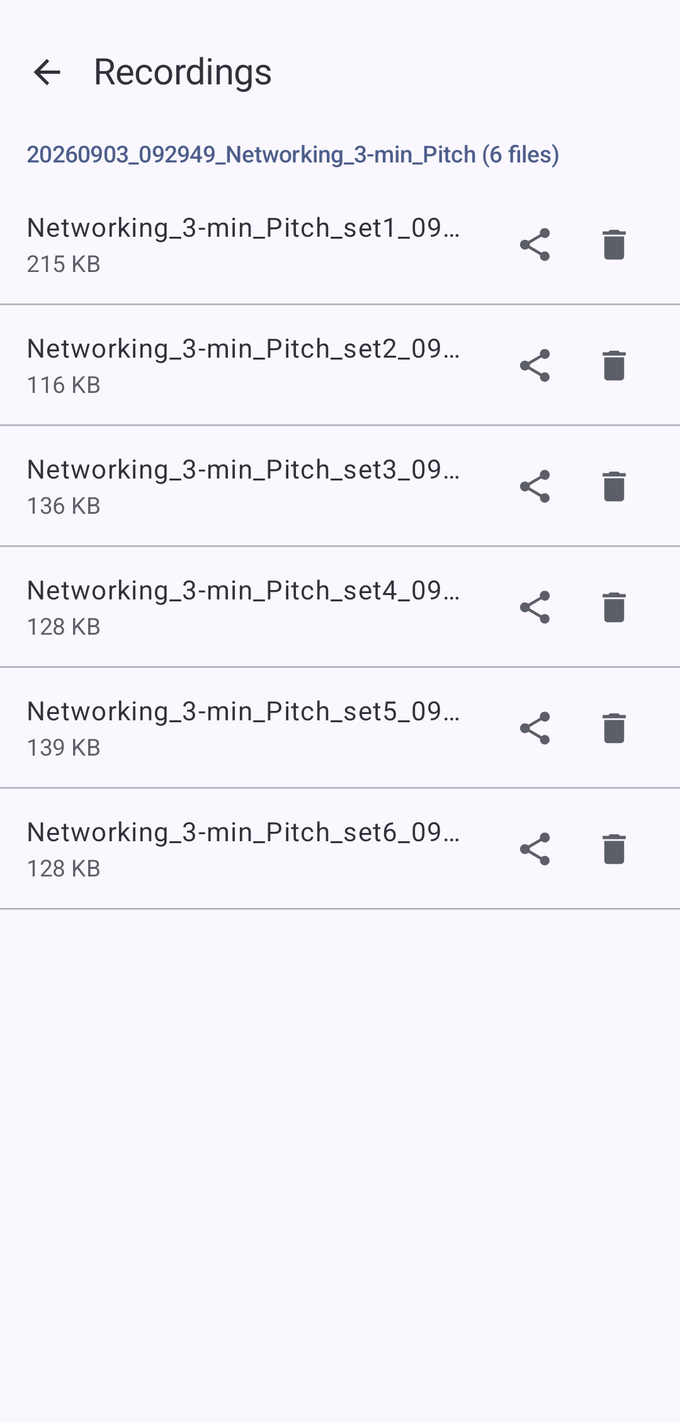
Recording runs in sync with the timer and is split automatically — pitch plus Q&A, one file per person. No scrubbing through one long file looking for where each talk began.
After the event
Pass the per-speaker m4a files to whichever generative AI service you use, and you can turn each talk into minutes or a summary — “who said what” is on paper shortly after the event ends.
negotimer has no AI features built in. For transcription and summaries, use the generative AI service you subscribe to. The app’s job is to hand you the audio in a shape that’s easy to pass along.
See it in action
With narration · 5 min 16 s · captions available
All features
The Windows version shows the timer in the meeting as a participant tile, so everyone can see the time left while screen sharing stays free for slides. Works with Zoom, Google Meet and Microsoft Teams. Run sheets work the same way as on your phone.
About the Windows versionMade for
Eight founders, three minutes each, then two quick questions. The organiser presses start once and can watch the room instead of the clock.
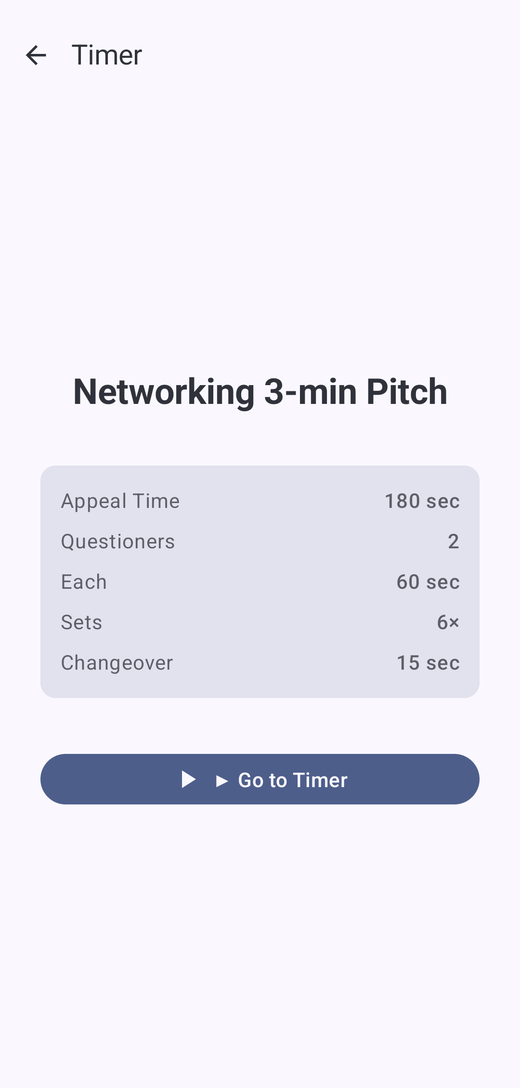
Pitch 180 s / Q&A 2 × 60 s / 8 roundsFive five-minute talks. The Q&A slot is protected automatically, so the last speaker doesn’t have to rush.
Talk 300 s / Q&A 120 s / 5 roundsEvery member gets 60 seconds to introduce their business. Set it once and the round moves itself around the table — no one has to call time on a colleague.
Pitch 60 s / no Q&A / 20 roundsEach student gets the same time, with a shared block for questions. The green and yellow warning tells them to wrap up, so the teacher doesn’t have to interrupt.
Talk 240 s / shared Q&A 120 s / 10 roundsSkip Q&A entirely if you like. Save a practice format that runs many short rounds back to back.
Speech 120 s / no Q&A / 4 roundsUse it on your own, too. Practise finishing on time, then listen back to the recording (Pro) to tighten your structure.
Listen back and refineBefore you start
Pricing
Every timer feature is included in the free version. Consider Pro only when you need recording.
Pro is about US$5.99 / €6.99 / £5.99 / A$9.99, paid once. The App Store and Google Play show the exact price in your local currency before you buy. Free to install, with an in-app purchase.
Before you buy
Yes. Every timer feature is included in the free version, which shows a banner ad at the bottom of the screen. Only recording requires Pro, a one-time purchase.
No. Pro is paid once. There is no subscription.
About US$5.99, €6.99 or £5.99, paid once. The store shows the exact price in your currency before you buy.
As many as you need. Set the number of rounds, and it repeats talk, Q&A and changeover for each speaker in turn.
Only on your device. Nothing is sent to our servers. Sharing and deleting are entirely up to you.
No. negotimer has no AI features built in. Pass the exported m4a files to the generative AI service you subscribe to.
Yes. While recording, REC shows on screen and a notification tells you recording is in progress.
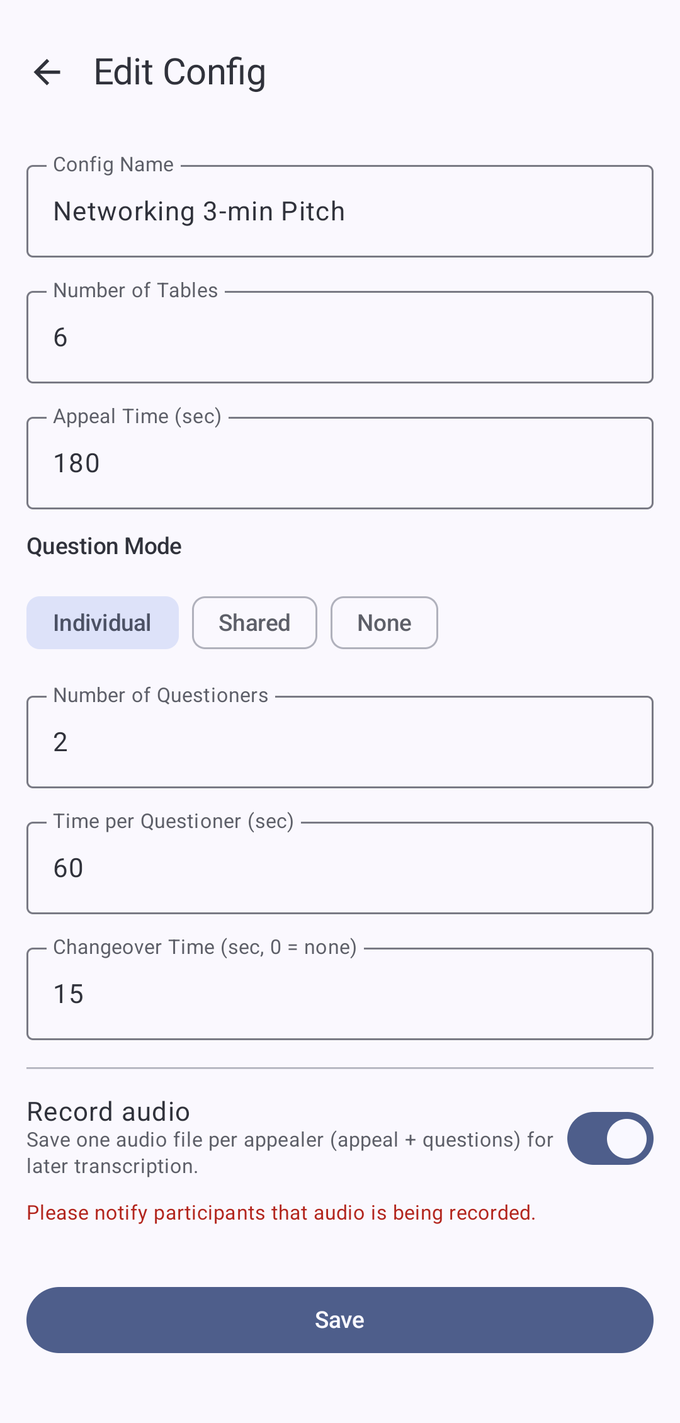
There are three modes: Individual, which gives each questioner their own slot; Shared, one block of time for the group; and None, to skip Q&A.
Yes. negotimer is on the App Store for iPhone, with the same features as the Android version and the same one-time Pro purchase. Purchases don’t carry over between the App Store and Google Play.
Yes, with the Windows version (Windows 11 or later). It shows the timer as a participant tile in Zoom, Google Meet or Microsoft Teams, so screen sharing stays free for your slides. See the Windows page.
Please do. Beyond that, set whatever rules suit your event and the law where you are.
Just need to count down a single time slot, with nothing to install? Our free giant countdown timer runs in your browser and fills the whole screen.
Install it, save one run sheet for the day, and you’re ready.
Free to install · In-app purchase (Pro: one-time, no subscription)