
Timekeeping for meetups and lightning talks: cues that speakers actually notice
Published ・ Updated
Timekeeping looks like a minor job, but it shapes how the whole evening feels. Whether the last speaker gets the same chance as the first comes down to the timekeeper. This guide covers how to keep time at meetups and lightning talk nights.
What the timekeeper does
- Time each speaker’s slot
- Give cues as time runs down
- Tell the speaker when time is up
- Keep the host informed if the whole event is running late
The most important part is holding everyone to the same rules. Give one speaker extra time and the speakers after them pay for it.
When to give cues
| When | Example cue | Meaning |
|---|---|---|
| 1 minute left (for a 5-minute talk) | A “1 minute” card | Start wrapping up |
| 10 seconds left | A card, or a small bell | Final sentence, please |
| 0 seconds | A bell, or the end signal | Time’s up |
Give cues where the speaker can see them. Stand at the back of the room, or put the timer next to the slides, rather than somewhere the speaker has to look for it.
If the room has a monitor or projector, you can put our free browser-based giant countdown timer on it. The digits fill the whole screen, so both the speaker and the back row can read the time left.
Getting speakers to stick to time
- Explain the cues before the first talk. Hold up the card and say “this is what one minute left looks like”. Speakers notice cues they have already seen
- For lightning talks, announce the cut-off up front. Say “we stop at five minutes” at the start, and nobody feels singled out when it happens
- Protect the Q&A time separately. If a talk runs long, the Q&A shouldn’t disappear with it. Time the two separately
- Allow time for changeovers. Swapping laptops and passing the microphone takes time. Build it in and the schedule drifts far less
Why timing by hand is hard
With a stopwatch and cards, the timekeeper barely hears the talks. It’s also easy to forget to reset, or to lose track of the Q&A time.
negotimer is a presentation timer that does the timing, the cues and the switching for you.
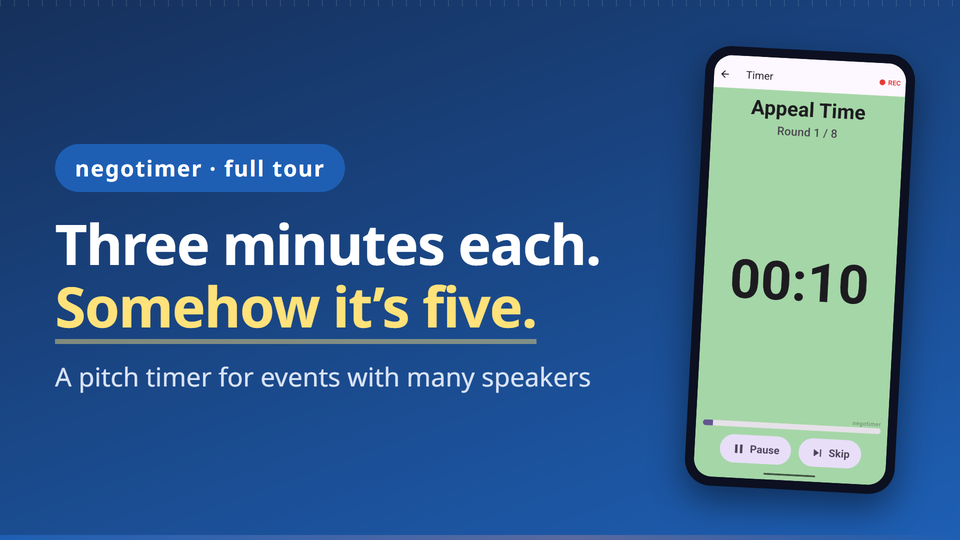 ▶ Watch the video tour
- A beep at ten seconds left, a 3-2-1 countdown and an end alarm
- The screen changes colour as time runs down, so speakers can see when to wrap up
- Talk → Q&A → changeover, switching automatically when time is up, repeated for every speaker
- Large landscape display, and the screen stays on. Pause and skip if things go off track
- Save a lightning talk format such as “Talk 300 s / Q&A 120 s / 5 rounds” and reuse it
Every timer feature is free, with a banner ad at the bottom of the screen. Available for iPhone and Android.
Summary
- The timekeeper’s job is to hold everyone to the same rules
- Give cues where speakers can see them, and show everyone the cues before the first talk
- Time Q&A and changeovers separately
Related guides
Talks and Q&A, timed for you.
negotimer is a presentation timer for iPhone and Android. Every timer feature is free, with a banner ad at the bottom. Per-speaker recording is Pro, a one-time purchase with no subscription.