Free printable seating chart templates (PDF): rows, table groups and name tents
Published
Redrawing the seating chart after every change takes longer than it should. This page has blank seating charts and name tents you can print and fill in by hand, in US Letter and A4. No sign-up. Download the PDF and print.
Templates to download
Each template comes in US Letter and A4. Both print fine on a home or school printer.
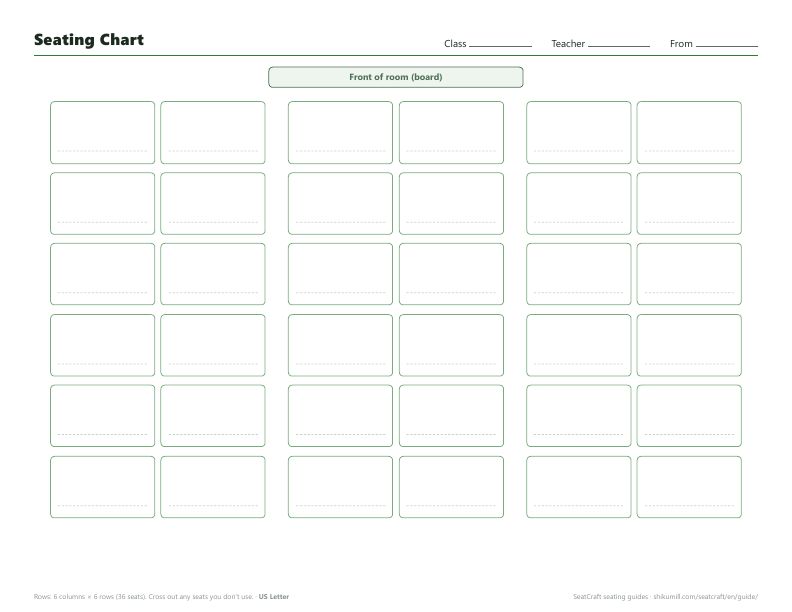
Seating chart: rows (6 columns × 6 rows)
Three columns of paired desks, the most common classroom layout. The front of the room is at the top. If you have fewer than 36 students, cross out the seats you don’t use.
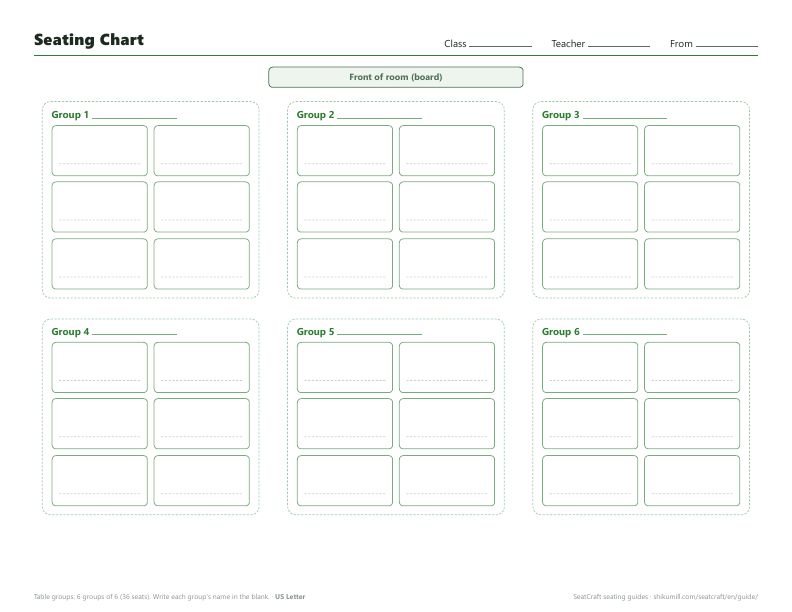
Seating chart: table groups (6 groups of 6)
Desks pushed together into groups. Each group has a space for its name.
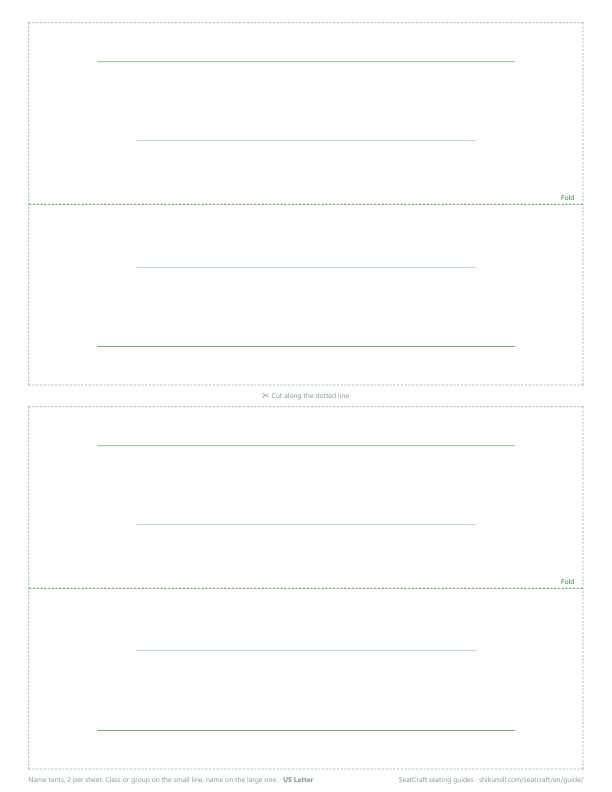
Name tents (fold to stand on the desk)
Two per sheet. Cut along the dotted line and fold in the middle, and you get a name tent that can be read from both sides. Write the class or group on the small line and the name on the large one.
Tips for making a seating chart
Decide which way it faces
A seating chart reads the opposite way round for the teacher and for the students. If it’s going on the wall, draw it as the students see it (front of the room at the top) so they can find their seats quickly. These templates have the front at the top.
Draft in pencil, then make a clean copy
Seating usually takes a few rounds of swaps before it works for everyone. Use the first copy as a pencil draft, then print a fresh one once it’s settled. You’ll have a chart with no eraser marks.
Keep the old charts
Your previous chart is what lets you avoid the same neighbors next time. Write the date on it and file it (see how to stop repeat seat partners).
Printing charts and name tents with names already filled in
Blank templates are handy, but copying 30 names by hand takes a while.
With the seating chart app SeatCraft, once the seats are decided, the named seating chart and the name cards print from the same screen.
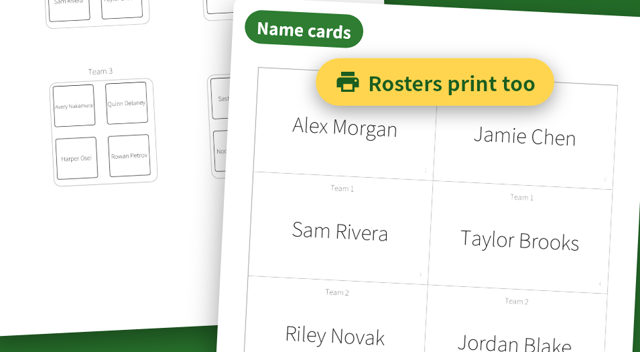
- Seating chart PDF: US Letter, Tabloid, A4 or A3. For a big room, split it over 2 or 4 pages and tape them together. It’s always drawn as the seated people see it
- Name cards: cut-out cards (8 or 10 per sheet) and fold-to-stand name tents that read from both sides
- Rosters: by group, or in seat order
Paste a class list straight from Excel or Google Sheets to add everyone at once, so even a class of 40 takes just a few minutes.
Every feature, including PDF export and name cards, is free for up to 20 people. Rosters stay on your device.
Related guides
Seating charts that follow your rules, in seconds.
SeatCraft is a seating chart app for iPhone, iPad and Android. Every feature is free for up to 20 people, with no account needed. Larger groups need the full version, a one-time purchase with no subscription.